Capture the meal
Use the app camera for home cooking, restaurant meals, or quick everyday food.
Open the camera, capture your meal, and let NUBI turn food photos into calorie, nutrition, and eating-pattern context without manual logging.
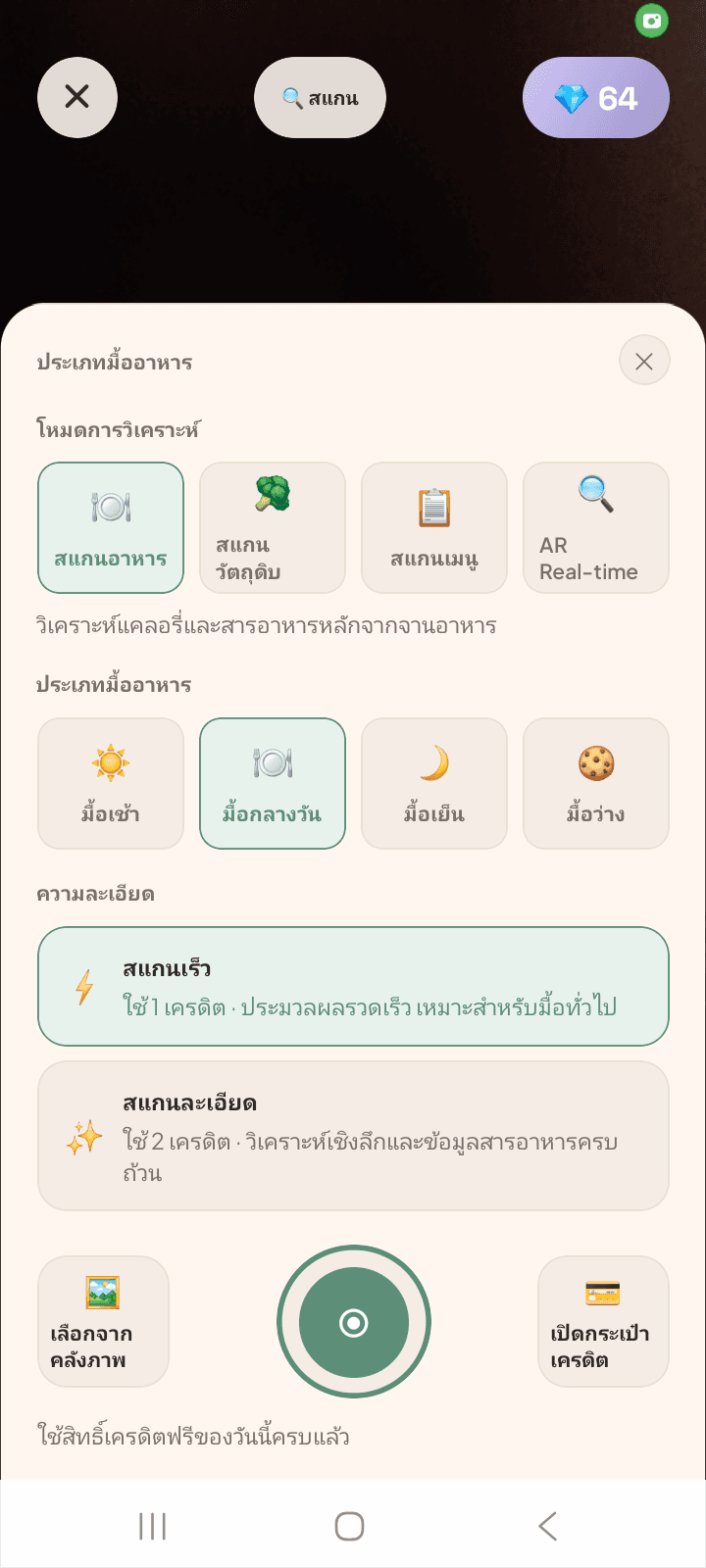
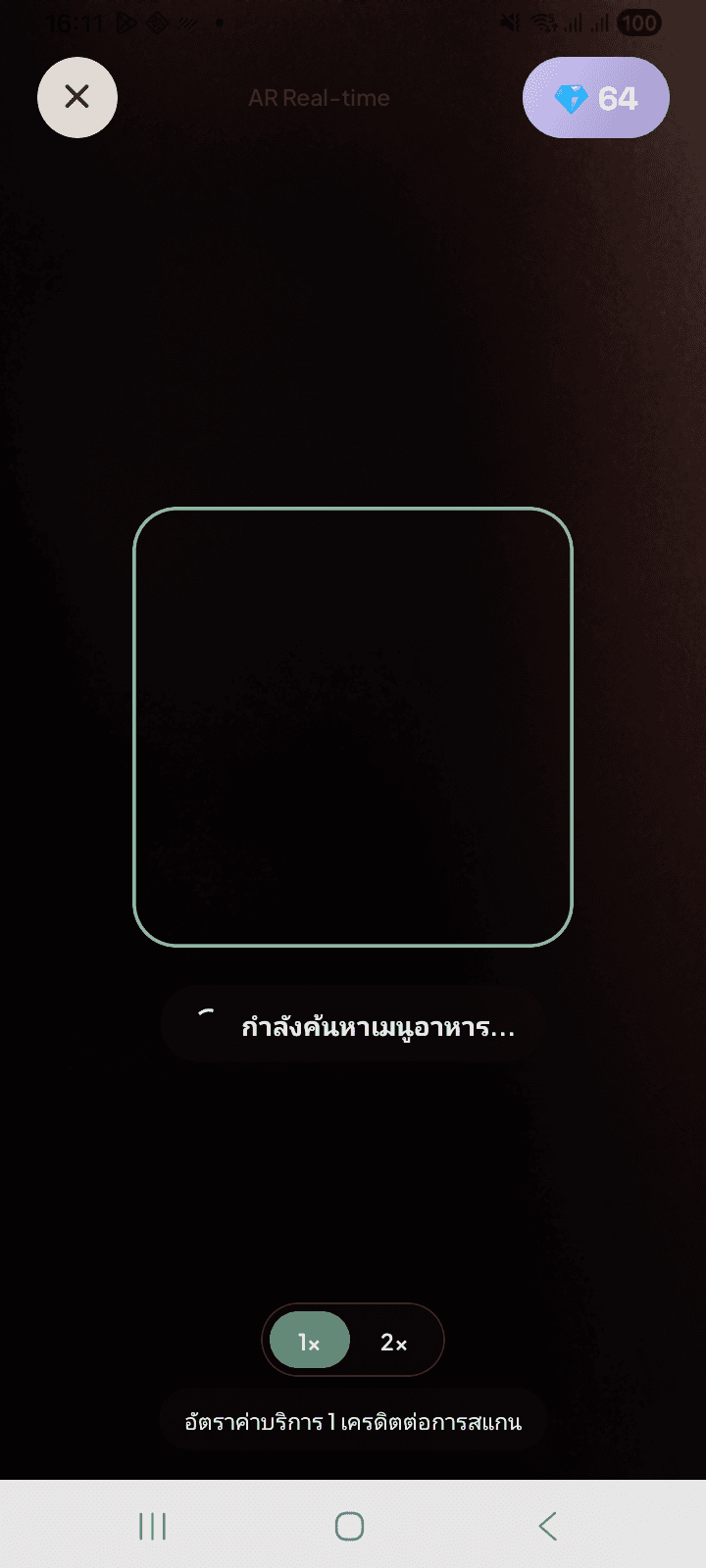
NUBI is designed around the moment users need help: looking at a meal and wanting to know what they are eating. Scanning, reviewing, and tracking work as one flow.
Use the app camera for home cooking, restaurant meals, or quick everyday food.
The scan flow focuses on recognizing meal content and turning a photo into nutrition context.
Meal detail screens help users understand the scan before it goes into daily history.
Repeated scans become daily and weekly insights that make nutrition easier to follow.
NUBI starts with food scanning, then adds history, reports, and goals that make each scan useful after the meal is finished.
Meal scanning is the primary action, so users can capture food and move on quickly.
Meal detail screens make calories and nutrition easier to read after each scan.
Food history helps users review what they ate and connect scans to daily habits.
Reports and goals turn repeated scanning into practical feedback for food decisions.
These screenshots come from the mobile app Play Store asset set and show the scan-first experience users will see after downloading.
เปิดกล้อง ถ่ายมื้ออาหาร แล้วให้ NUBI ช่วยอ่านภาพรวมโภชนาการ
ตรวจสอบผลสแกนก่อนบันทึก เพื่อให้เข้าใจมื้ออาหารมากขึ้น
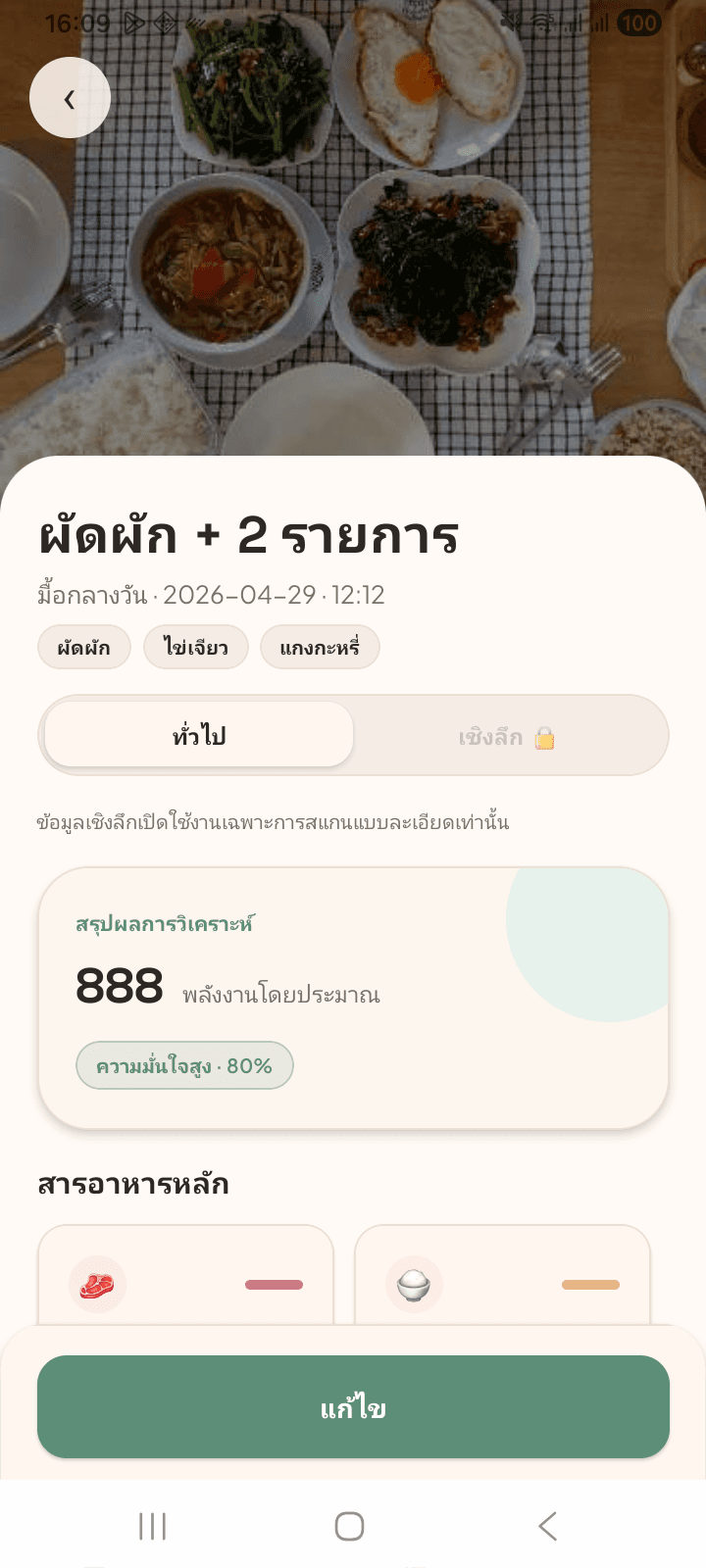
เปลี่ยนรูปอาหารเป็นข้อมูลแคลอรี่และสารอาหารที่อ่านง่าย
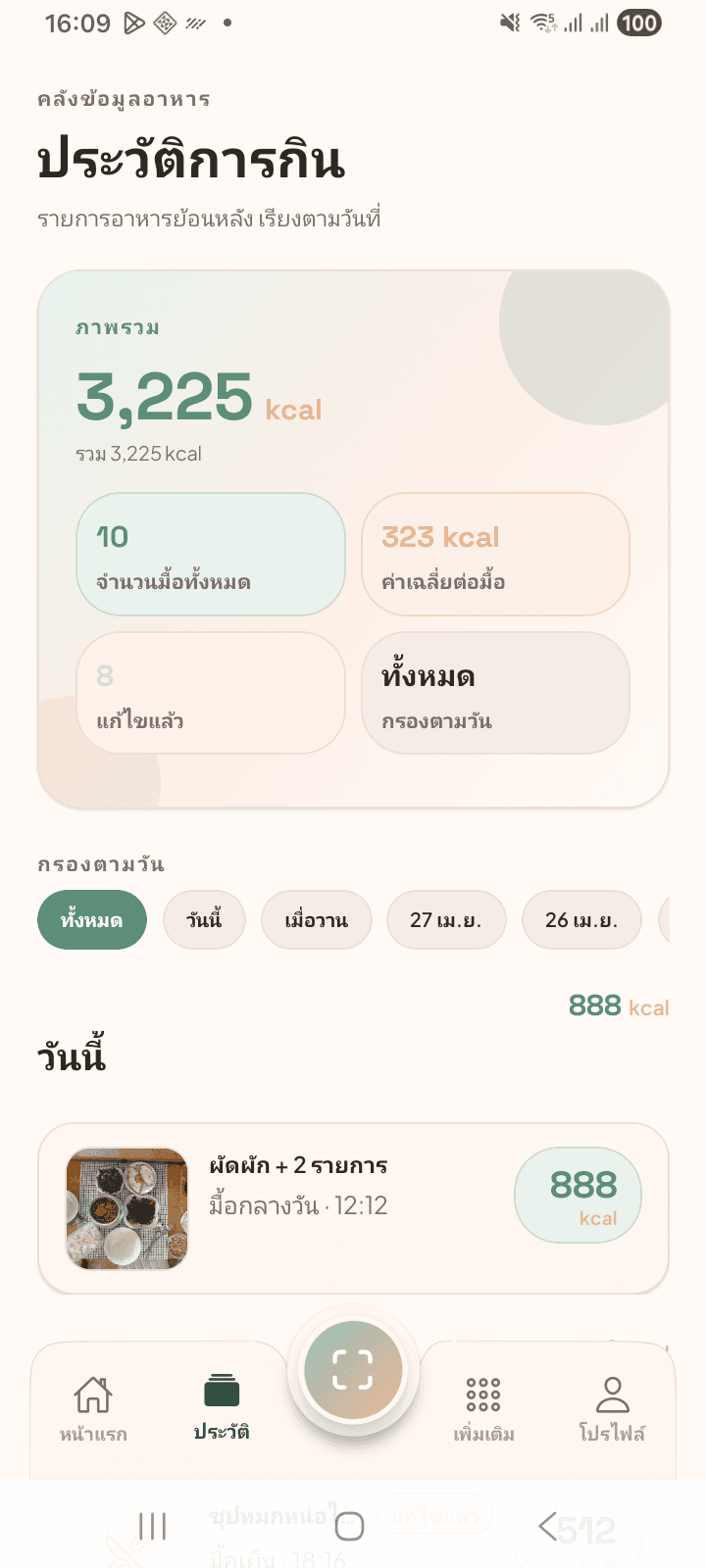
ติดตามมื้อที่สแกนและพฤติกรรมโภชนาการในแต่ละวัน
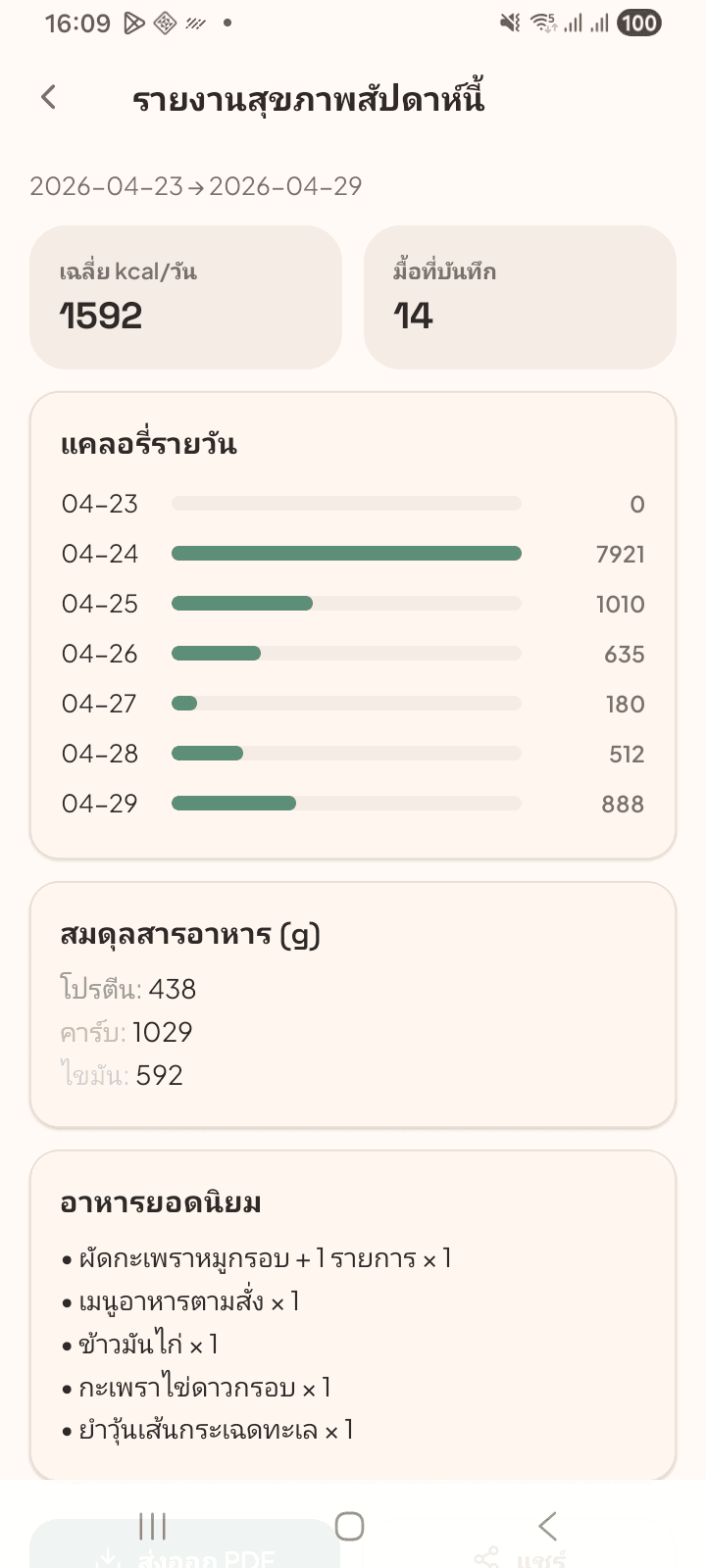
ใช้รายงานเพื่อเห็นนิสัยการกินและตัดสินใจเรื่องอาหารได้ดีขึ้น
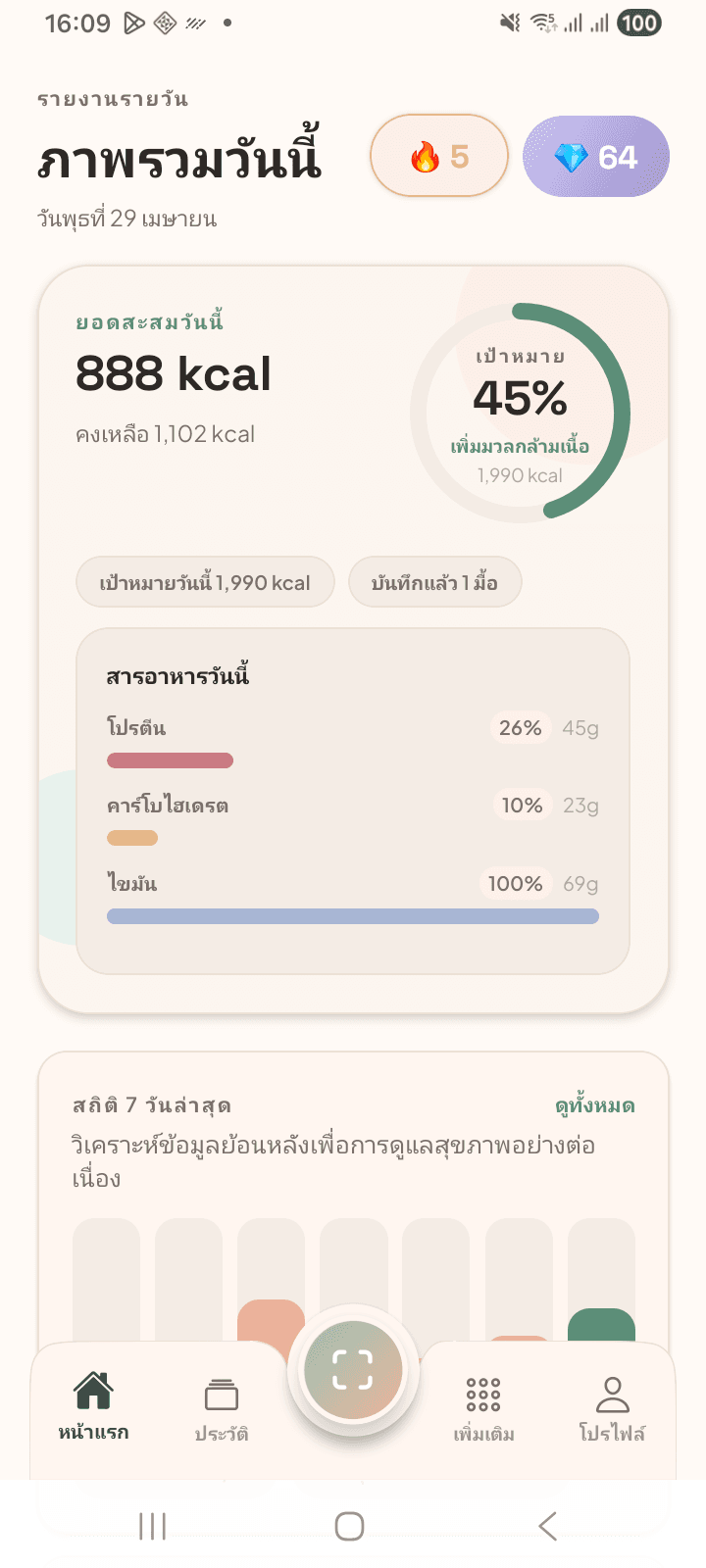
หน้าแรกช่วยให้การสแกนและดูความคืบหน้าอยู่ใกล้แค่แตะเดียว
A nutrition app asks users to trust it with eating habits. NUBI keeps privacy information visible and provides a public account deletion page suitable for Google Play review.
Privacy, support, and account deletion links are public and easy to find.
The deletion page explains what is deleted and what may be retained for limited legal or security reasons.
Users can submit a deletion request or contact support directly. (support@mata-labs.com)
NUBI is a mobile app focused on scanning meals and helping users understand nutrition in everyday life.
Yes. The app starts with scanning food, then reviewing meal detail, saving history, and learning from nutrition trends.
No. NUBI is for nutrition awareness and habit tracking. It does not diagnose medical conditions or replace professional advice.
The public Request Account Deletion page is linked from the homepage and footer and can be used without signing in.
Install NUBI from Google Play or the App Store to scan food, review nutrition, save meal history, and follow eating patterns from a mobile-first experience.